

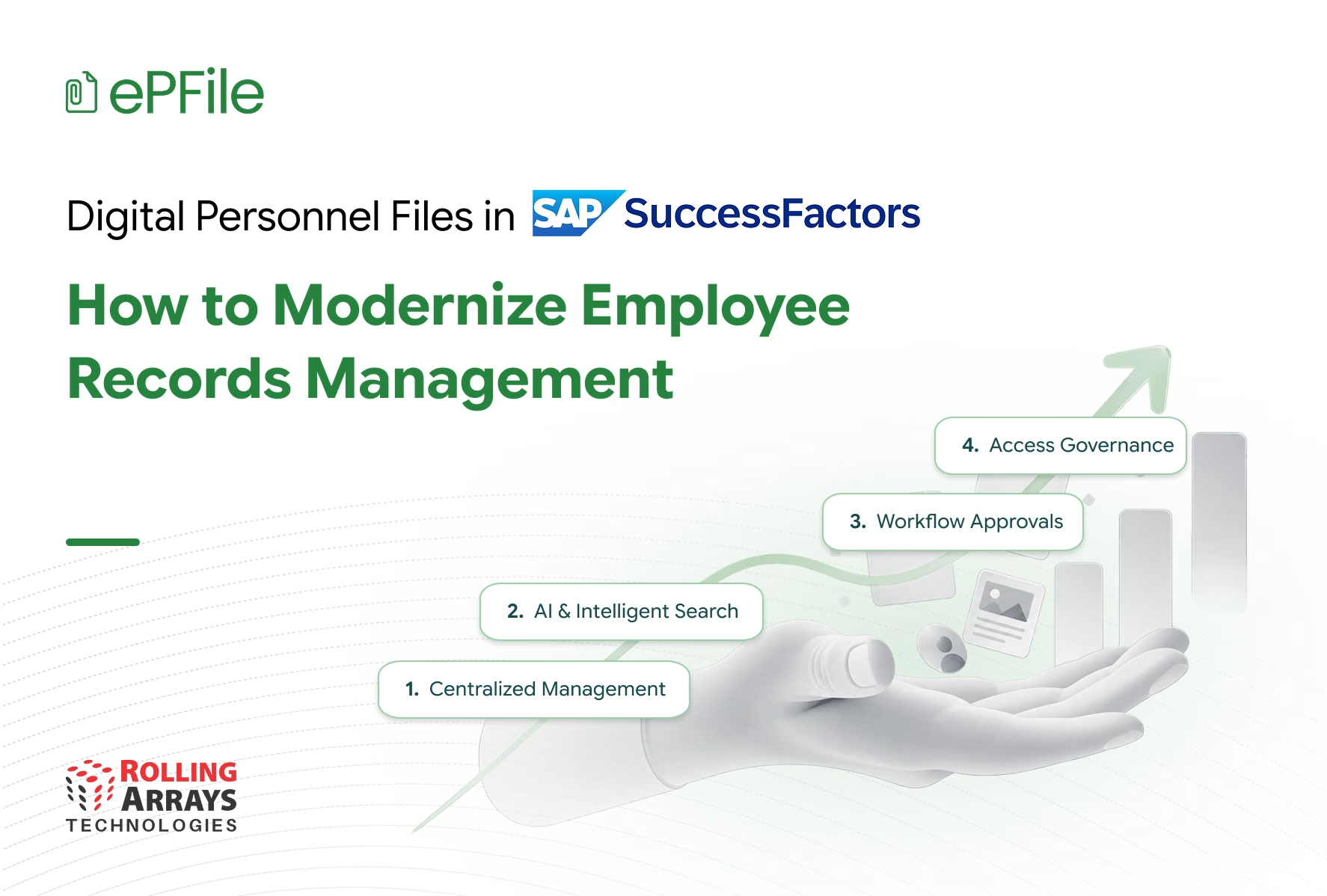
Employee records support nearly every stage of the employee lifecycle, from onboarding and employment contracts to internal transfers, policy acknowledgements, and offboarding. As organizations grow, HR teams must manage increasing volumes of documents while maintaining consistent access, accurate records, and appropriate controls. Disconnected folders, email attachments, and manual document handling can make these responsibilities more demanding. Digital personnel files offer a structured approach to employee records management by bringing document access and management into a more connected environment. For organizations using SAP SuccessFactors, ePFile extends the existing HR ecosystem with centralized employee document management, intelligent search, document generation, and workflow driven approvals. This article explores how HR leaders can modernize employee records management, what to evaluate in a document management solution, and how ePFile can support these objectives.
Why Digital Personnel Files Matter for Modern HR Teams
HR teams manage employee information throughout the employment lifecycle. Every new hire may require employment contracts, identity documents, tax forms, policy acknowledgements, and other records. Internal transfers, promotions, benefits administration, and employee exits create additional documentation requirements.
When these records sit across shared drives, email inboxes, paper files, and separate applications, HR teams may spend valuable time locating documents, checking versions, following up on missing records, and coordinating approvals.
These challenges affect more than administrative productivity. They can also influence employee experience, process consistency, and the ability of HR teams to retrieve records when managers or authorized stakeholders need them.
Digital personnel files help organizations establish a more structured approach to employee records management. Rather than treating each document as an isolated attachment, HR teams can organize employee documentation within a connected environment and manage it according to defined access rules and workflows.
For HR leaders, the objective is straightforward: make employee records easier to manage, easier to retrieve, and easier to govern throughout the employee lifecycle.
How Digital Personnel Files in SAP SuccessFactors Support Employee Records Management
Organizations using SAP SuccessFactors can extend their HR environment with document management capabilities designed to support employee records and related HR processes.
A digital personnel file approach can help HR teams address several important requirements.
Organize Employee Documents Across the Lifecycle
Employee records accumulate throughout an individual’s employment. HR teams need a practical way to organize documents associated with recruitment, onboarding, employment changes, learning, benefits, and offboarding.
A structured document environment helps employees and authorized HR users locate relevant records more efficiently. It also supports a more consistent approach to organizing employee documentation across departments and business units.
Improve Document Retrieval
Searching through email attachments, folders, and multiple repositories can interrupt routine HR work. Intelligent search capabilities can make document retrieval more efficient by helping authorized users locate relevant records without relying entirely on manual browsing.
For HR teams handling frequent document requests, better retrieval can reduce administrative friction and support faster responses.
Maintain Appropriate Access and Control
Employee records often contain confidential personal and employment information. Organizations need clear rules governing who can view, add, update, or manage specific documents.
A document management solution should support role based access, appropriate permissions, and document classification so organizations can manage employee records in line with their internal policies.
Simplify Document Generation and Approvals
HR teams regularly prepare offer letters, employment contracts, confirmation letters, and other employee documents. Repeated manual preparation can increase administrative effort and create inconsistencies.
Template based document generation and structured approval workflows can help HR teams standardize routine processes while maintaining appropriate review and authorization.
What to Look for in Employee Document Management Software
Choosing employee document management software requires more than comparing storage capacity or counting features. HR leaders should evaluate how the solution fits their existing systems, supports everyday workflows, and addresses document governance requirements.
Integration With the Existing HR Environment
Organizations already using SAP SuccessFactors should assess how a document management solution complements their existing HR processes.
A solution designed for SAP SuccessFactors can provide a more connected experience for managing employee documents while allowing the organization to retain its established HR environment.
Centralized Document Access
Evaluate whether the solution helps authorized users find and manage employee documents in a structured environment. Consider how it handles document categorization, search, shared workspaces, and employee self service.
Document Generation and Workflow Support
Look for capabilities that simplify recurring HR documentation, including template based generation, review processes, approvals, and digital signature integration where required.
These capabilities can help reduce manual coordination and improve consistency across document workflows.
Access Governance and Auditability
Assess how the solution manages permissions, confidential records, approval controls, and document activity tracking. Confirm that these capabilities align with your organization’s security requirements and governance policies.
Ease of Adoption
HR technology should support everyday work rather than introduce unnecessary complexity. Consider how employees, managers, and HR administrators will access the solution, learn its workflows, and incorporate it into existing processes.
The right solution should address practical HR requirements while fitting the organization’s technology and governance environment.
How a Centralized HR Document Management System Improves Document Governance
Centralized employee records management can help organizations apply more consistent processes to document access, handling, and control.
However, centralization alone does not guarantee compliance. Organizations must also define document ownership, access permissions, retention requirements, and responsibilities for maintaining records.
A well designed HR document management system can support these practices in several ways.
Establish Clear Access Rules
Role based permissions help organizations determine which employees, managers, and HR administrators can access particular documents. Confidential classification and controlled workflows can provide additional structure for sensitive records.
Improve Document Traceability
Audit trails and document activity records can help authorized teams review relevant document activities and support internal governance processes.
Organizations should evaluate which activities the system records and how those records support their audit and reporting requirements.
Support Consistent Document Handling
Standardized document categories, templates, and workflows can help HR teams manage records more consistently across employee groups and business units.
Organizations should also define retention and disposal policies according to applicable legal requirements and internal governance standards.
How ePFile Extends SAP SuccessFactors Document Management
ePFile is an employee document management and generation solution built for SAP SuccessFactors. It extends the existing HR environment with capabilities designed to simplify document handling throughout the employee lifecycle.
Rather than requiring HR teams to treat document management as a separate administrative activity, ePFile brings relevant document capabilities into a connected SAP SuccessFactors experience.
Centralized Employee Document Management
ePFile helps HR teams organize, access, categorize, and manage employee documents in a centralized environment. It uses SAP SuccessFactors storage and permissions to support a connected approach to employee records management.
AI Powered Document Generation
HR teams can use document templates to generate employee documents for recurring processes. This can help standardize document preparation and reduce repetitive manual work.
Intelligent Document Search
ePFile supports OCR powered document search to help users locate relevant employee records more efficiently. Improved retrieval can help HR teams respond to document requests without depending entirely on manual searches.
Workflow Driven Approvals
Structured approval workflows help organizations manage document related activities with clearer review and authorization processes.
Controlled Document Access
ePFile supports role based access and document classification, helping organizations manage visibility into employee records according to configured permissions and internal requirements.
Together, these capabilities help organizations connect document generation, retrieval, access, and governance within their SAP SuccessFactors environment.
How to Choose the Best HR Document Management Software for SAP SuccessFactors
Organizations evaluating the best HR document management software for SAP SuccessFactors should begin with their business requirements rather than a feature checklist alone.
Consider these questions before selecting a solution:
- Business requirements: Which employee document processes create the greatest administrative burden today?
- System fit: How well does the solution complement your SAP SuccessFactors environment?
- Employee lifecycle coverage: Can it support the document types and processes your organization needs to manage?
- Search and accessibility: Can authorized users locate the records they need efficiently?
- Governance: Does the solution support your access controls, document classification, auditability, and retention policies?
- Adoption: Can employees, managers, and HR administrators incorporate it into their everyday work?
- Implementation: What configuration, data preparation, training, and change management will the organization require?
The strongest choice is the solution that fits the organization’s processes, security requirements, technology environment, and long term HR objectives.
For organizations already using SAP SuccessFactors, ePFile is worth evaluating when the priority is to extend employee document management without moving away from the existing HR ecosystem.
Modernize Employee Records Management With ePFile
Digital personnel files represent an opportunity to make employee records management more structured, accessible, and consistent. For HR leaders, the value goes beyond digitizing paperwork. It lies in reducing administrative friction, supporting better document retrieval, improving process consistency, and maintaining appropriate control over employee information.
Organizations using SAP SuccessFactors can explore how ePFile extends their existing HR environment with centralized document management, AI powered document generation, intelligent search, and workflow driven approvals.
By aligning document processes with everyday HR operations, organizations can build a more connected approach to employee records management and create a smoother experience for HR teams, managers, and employees.
Want to see ePFile in action?
Frequently Asked Questions
What is a digital personnel file?
A digital personnel file is an electronic collection of employee related documents organized for authorized access and management throughout the employment lifecycle. It may include employment contracts, onboarding forms, policy acknowledgements, employee letters, and other relevant records.
How do digital personnel files work with SAP SuccessFactors?
Organizations can extend their SAP SuccessFactors environment with document management capabilities that support employee document storage, search, generation, access, and related workflows. The available functionality depends on the solution and its configuration.
What should employee document management software include?
Organizations should evaluate centralized document management, intelligent search, document generation, approval workflows, role based access, auditability, and integration with their existing HR systems.
How does ePFile support employee records management?
ePFile extends SAP SuccessFactors with centralized employee document management, AI powered document generation, OCR powered search, workflow driven approvals, and controlled document access.
Can an HR document management system improve document governance?
A suitable system can support governance through configured access permissions, document classification, approval workflows, and audit trails. Organizations must also establish appropriate retention policies and internal controls.
How should organizations choose HR document management software for SAP?
Organizations should assess system fit, employee lifecycle coverage, search capabilities, document workflows, security controls, ease of adoption, and implementation requirements against their specific business needs.


