

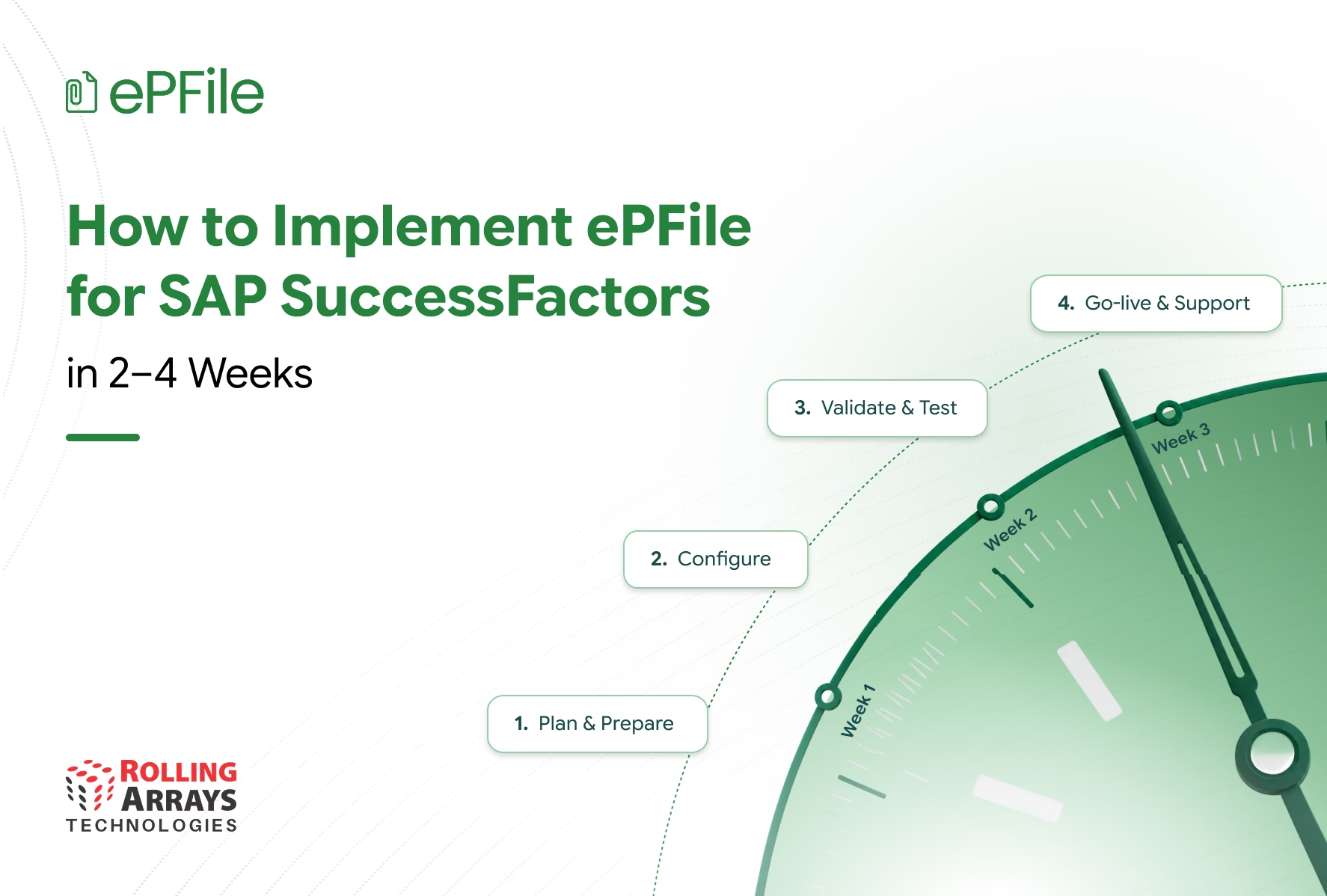
For many CHROs, modernizing employee document management is not simply a technology decision. HR teams need to reduce manual administration, improve employee access to documents, strengthen governance, and scale HR operations without creating another lengthy transformation project. ePFile extends SAP SuccessFactors with a focused approach to employee document management that can support implementation within 2–4 weeks, depending on scope and organizational readiness. This guide explains how HR and IT teams can move from current-state challenges to configuration, testing, and go-live.
Why Employee Document Management Becomes a CHRO Problem
Employee documents sit behind almost every stage of the employee lifecycle.
Contracts, offer letters, identification documents, certificates, benefits records, and other HR documents need to be created, stored, retrieved, reviewed, and maintained throughout an employee’s journey.
The challenge grows as organizations expand.
HR teams may find themselves dealing with:
- Documents spread across different repositories
- Manual document creation and distribution
- Employees repeatedly asking HR for documents
- Managers depending on HR teams for basic document retrieval
- Inconsistent document processes across business units
- Limited visibility into document status
- Increasing governance and compliance requirements
- HR teams spending time on administration instead of strategic work
For a CHRO, these issues are not isolated document problems. They contribute to HR operational cost, employee experience challenges, process delays, and governance risk.
The question therefore becomes:
How can HR modernize employee document management without starting another large-scale technology transformation?
This is where implementation approach becomes important.
What Should a CHRO Expect From an Employee Document Management Implementation?
An implementation should not simply deliver another HR system.
It should help HR achieve measurable operational improvements while fitting into the existing technology landscape.
A successful implementation should help the organization:
- Reduce repetitive document administration
- Give employees faster access to their records
- Improve consistency across HR processes
- Strengthen document governance
- Reduce dependency on HR teams for routine requests
- Support scalable HR operations
- Build on the organization’s existing SAP SuccessFactors investment
This is why ePFile focuses on extending SAP SuccessFactors document management rather than creating an isolated HR document environment.
Why a Focused Implementation Matters to HR Leaders
A lengthy implementation can create its own business problems.
HR and IT teams already manage transformation programs, system changes, compliance requirements, and day-to-day operations. Adding another complex implementation can increase the demand on internal teams and delay the point at which HR starts seeing value.
A focused ePFile implementation helps organizations move through the project in defined stages:
Understand → Configure → Validate → Test → Go Live
The objective is not simply to complete the implementation quickly.
The objective is to help HR start solving the document management problem sooner.
The 2–4 week timeframe depends on factors such as implementation scope, configuration requirements, stakeholder availability, testing readiness, and organizational requirements.
Step 1: Understand Where Employee Document Management Is Creating Friction
Before configuring ePFile, HR teams need to understand the problems they are trying to solve.
This starts with the current document lifecycle.
Where Are HR Teams Losing Time?
Identify where employees and HR teams currently spend unnecessary effort.
For example:
- How are employee documents created?
- Where are documents stored?
- How do employees retrieve them?
- How does HR respond to document requests?
- Which processes still depend on email?
- Where do approval delays occur?
- Which documents are difficult to locate?
- Which processes create compliance concerns?
This exercise helps the organization move beyond implementing technology for its own sake.
Which Employee Processes Need Attention First?
Not every document process needs to change at the same time.
HR leaders can identify the processes where document administration creates the greatest operational impact.
These might include:
- Employee onboarding
- Employment contracts
- Offer documentation
- Employee records
- Compliance documents
- Benefits-related documents
- Employee requests for historical records
Starting with high-impact processes helps establish a clear implementation scope.
Step 2: Define the Future HR Document Experience
Once the current challenges are clear, the organization can define what it wants the employee document experience to look like.
Define Who Needs Access
Different users have different responsibilities.
The implementation team should define the access requirements for:
- Employees
- Managers
- HR administrators
- HR business partners
- Document administrators
This ensures that the solution supports the right people without creating unnecessary access.
Define Which Documents Need to Be Managed
HR teams should identify the document categories that will form part of the initial implementation.
These may include:
- Offer letters
- Employment contracts
- Identification documents
- Work permits
- Certificates
- Employee records
- Benefits-related documents
- Other HR documents
Define the Processes That Need to Improve
The team should also identify where automation, workflows, document generation, search, or employee self-service can reduce administrative effort.
This gives the implementation a clear business purpose rather than turning it into a purely technical configuration exercise.
Step 3: Configure ePFile Around the HR Operating Model
Once the business requirements are defined, ePFile can be configured around the organization’s HR processes.
Organize Employee Documents
Document categories and structures can be configured so HR teams and employees can manage records in a more consistent way.
Align Access With HR Responsibilities
Access can be configured according to employee, manager, HR, and administrator responsibilities.
This helps organizations maintain appropriate control over sensitive employee records.
Configure Document Workflows
Where HR processes require review or approval, workflows can be configured to support the relevant process.
This helps reduce dependency on manual coordination and email-based approvals.
Standardize Document Generation
Where document generation forms part of the implementation, relevant templates can be configured to support consistent document creation.
This can reduce repetitive manual work and improve consistency across HR processes.
Step 4: Validate Whether the Solution Solves the Original HR Problems
Configuration alone does not demonstrate business value.
The implementation team should validate whether the configured solution actually addresses the problems identified at the beginning of the project.
Test Employee Access
Can employees find and access the documents they need without unnecessarily depending on HR?
Test HR Processes
Can HR teams manage documents more efficiently than they could with the previous process?
Test Document Workflows
Do approvals move to the right people at the right stage?
Test Document Generation
Can HR teams generate the required documents consistently?
Test Search and Retrieval
Can users find employee records without searching across multiple disconnected repositories?
This validation keeps the implementation focused on HR outcomes rather than configuration completion.
Step 5: Test the Employee and HR Experience Before Go Live
User Acceptance Testing should reflect the way people actually work.
Technical testing alone cannot determine whether a document management solution improves the employee or HR experience.
Employee Testing
Employees can test:
- Viewing their documents
- Uploading documents
- Searching permitted records
- Accessing generated documents
HR and Administrator Testing
HR teams can test:
- Employee document management
- Document categorization
- Search and retrieval
- Access controls
- Workflows
- Document generation
- Administrative functions
Resolve Issues Before Production
Any issues identified during testing should be documented, addressed, and retested before production rollout.
The objective is to ensure that the organization does not simply launch a new system, but launches a better way of managing employee documents.
Step 6: Prepare HR Teams and Employees for the Change
Technology alone does not change an HR process.
Employees and HR teams need to understand what changes after implementation.
Prepare HR Teams
HR teams should understand:
- How document processes change
- How to manage employee records
- How to use search
- How workflows operate
- How to handle employee requests
Prepare Employees
Employees should know:
- Where to find their documents
- How to upload documents
- How to retrieve records
- How document requests work
- Where to get support
A clear adoption plan helps organizations realize value from the implementation rather than treating go-live as the final milestone.
What Does a 2–4 Week ePFile Implementation Look Like?
A focused implementation can typically follow four stages.
Week 1: Understand and Configure
Focus on:
- Business requirements
- Current document challenges
- Implementation scope
- Document categories
- User roles
- Access requirements
- Initial configuration
Week 2: Configure and Validate
Focus on:
- Workflows
- Templates
- Access controls
- Document management configuration
- Search
- Business validation
Week 3: Test and Refine
Focus on:
- User Acceptance Testing
- Employee scenarios
- HR scenarios
- Issue resolution
- Retesting
- User preparation
Week 4: Go Live
Focus on:
- Final readiness checks
- Production configuration
- User communication
- Stakeholder sign-off
- Go-live
- Initial support
The actual timeline can vary depending on the organization’s scope, requirements, testing cycles, stakeholder availability, and readiness.
How Can CHROs Keep an ePFile Implementation Focused?
A successful implementation requires more than technical configuration.
HR leadership plays an important role in keeping the project connected to business outcomes.
Start With the Business Problem
Define what HR wants to improve before discussing configuration.
Prioritize High-Impact Processes
Start with document processes that create the greatest administrative burden or employee friction.
Keep HR and IT Aligned
HR should define the desired employee and HR experience while IT ensures the solution fits the existing SAP SuccessFactors environment.
Avoid Unnecessary Scope
A focused first implementation can help the organization start realizing value sooner and expand the solution later.
Measure the Outcome
After go-live, HR leaders can review areas such as:
- Administrative effort
- Document retrieval time
- Employee requests
- Process turnaround
- User adoption
- Document governance
This moves the conversation from “Did we implement the system?” to “Did we improve HR operations?”
What Should Be on the ePFile Go-Live Checklist?
Before going live, HR and IT teams should confirm:
Business Readiness
- Implementation scope approved
- Document categories defined
- User groups identified
- Business requirements validated
- Stakeholders aligned
Technical Readiness
- SAP SuccessFactors environment confirmed
- Roles and permissions reviewed
- Authentication requirements confirmed
- Required integrations reviewed
- Configuration completed
User Readiness
- UAT completed
- Employee scenarios tested
- HR scenarios tested
- Issues resolved
- User communication prepared
- Support process confirmed
Go-Live Readiness
- Production configuration approved
- User access confirmed
- Stakeholder sign-off completed
- Go-live communication issued
- Initial support plan established
How ePFile Helps Organizations Modernize Employee Document Management
The value of ePFile is not simply the ability to store or generate documents.
For HR leaders, the larger opportunity is to remove friction from the employee document lifecycle.
ePFile extends SAP SuccessFactors to help organizations create a more connected approach to:
- Employee document management
- Document generation
- Search and retrieval
- Workflows
- Employee self-service
- Document governance
- Access management
These capabilities support the broader objective of reducing administrative effort while creating a more consistent employee experience.
The 2–4 week implementation approach provides a defined path for organizations that want to address these challenges without turning employee document management into a prolonged transformation project.
Conclusion
For CHROs, the question is not simply how quickly a document management system can go live. The more important question is how quickly HR can reduce the operational problems created by disconnected and manual document processes.
ePFile provides a focused way to extend SAP SuccessFactors and modernize employee document management. By starting with business challenges, defining the right scope, configuring the solution around HR processes, and validating the employee and HR experience, organizations can move toward go-live within 2–4 weeks, depending on their requirements and readiness.
The result is a more structured approach to employee documents that can help HR reduce administrative friction, improve access to records, strengthen governance, and give HR teams more time to focus on higher-value priorities.
Frequently Asked Questions
How long does ePFile implementation take?
Organizations can implement ePFile within 2–4 weeks, depending on implementation scope, configuration requirements, stakeholder availability, testing cycles, and organizational readiness.
What should organizations do before implementing ePFile?
Start by identifying the employee document processes creating the greatest administrative burden, defining the required document categories and user groups, and agreeing on the desired HR and employee experience.
Does ePFile work with SAP SuccessFactors?
Yes. ePFile extends SAP SuccessFactors with employee document management capabilities and works within the existing HR technology environment.
What does the ePFile implementation process include?
The process can include current-state assessment, scope definition, configuration, access setup, workflow and template configuration, validation, UAT, user preparation, and go-live.
Can ePFile implementation be completed without a lengthy transformation project?
A focused ePFile implementation can be completed within 2–4 weeks when the scope, prerequisites, stakeholder availability, and testing requirements support that timeline.
What should CHROs measure after implementation?
HR leaders can evaluate administrative effort, document retrieval time, employee requests, process turnaround, adoption, and document governance to understand whether the implementation is improving HR operations.
What happens after ePFile goes live?
The organization should monitor adoption, gather employee and HR feedback, review process performance, and identify opportunities to further improve employee document management.
Who should be involved in the implementation?
HR process owners, SAP SuccessFactors administrators, IT teams, security teams, business stakeholders, and project sponsors should participate according to the implementation scope.


